Buying guide
An Office Printer and Copier Buying Checklist
By JR Copier
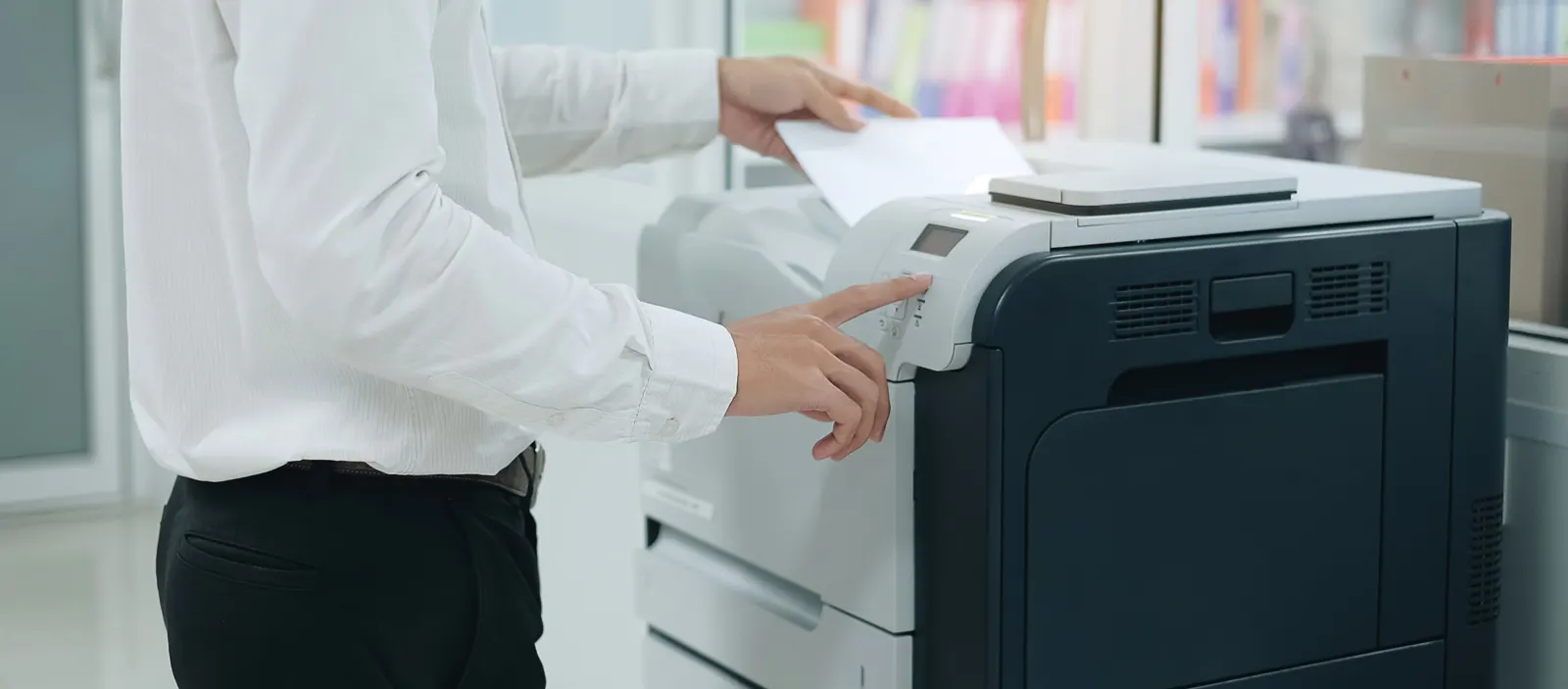
Buying a copier or multifunction printer is easier when you define your requirements before you look at models. This checklist covers what to decide, what to ask, and what to get in writing.
Define the workload
Measure your monthly page volume, the share of color, and the paper sizes you use. Note how much you scan and whether documents go to email, network folders or cloud storage. If you are unsure, our print-volume sizing guide explains how to read meter counts — the method works for purchases too.
Write the requirements down before you talk to anyone selling equipment. A short list of must-haves and nice-to-haves keeps demonstrations focused on what your office needs, and makes it easier to compare proposals from different dealers on the same terms.
Match functions to people
Decide whether you need copy, scan and fax in one device or only printing. Think about who uses it: a shared departmental MFP benefits from a large touchscreen, user authentication and secure release, while a small office may be better served by a desktop model. Our color or monochrome guide covers one of the biggest choices.
Security deserves its own line on the list. Most networked MFPs store scanned and printed images on an internal drive, so ask how data is encrypted and erased. If you handle health, legal or financial records, involve whoever manages compliance in your office, and confirm the device supports the authentication and audit features they expect.
Look beyond the purchase price
Toner yields, drum and maintenance-kit intervals, and service rates determine what the device costs to run. Read how to evaluate total cost of ownership before comparing quotes.
Ask how supplies will be ordered and delivered, and how service is requested when something goes wrong. A device that is cheap to buy but slow to support can cost more in lost time than a pricier model with a clear service plan. Paper matters too: in humid Southwest Florida offices, storing reams sealed in a cool, dry place helps reduce curling and jams.
Finally, think about how long you plan to keep the machine. A device you expect to run for many years should be sized for where your office is heading, not just where it is today.
Get these details in writing
A clear quote protects both sides.
- Exact model and accessories included
- Delivery, installation and network setup
- Warranty terms as stated by the manufacturer
- Service options and how requests are made
- Supply pricing or supply-inclusive service options