Buying guide
How to Evaluate an Office Printer's Total Cost of Ownership
By JR Copier
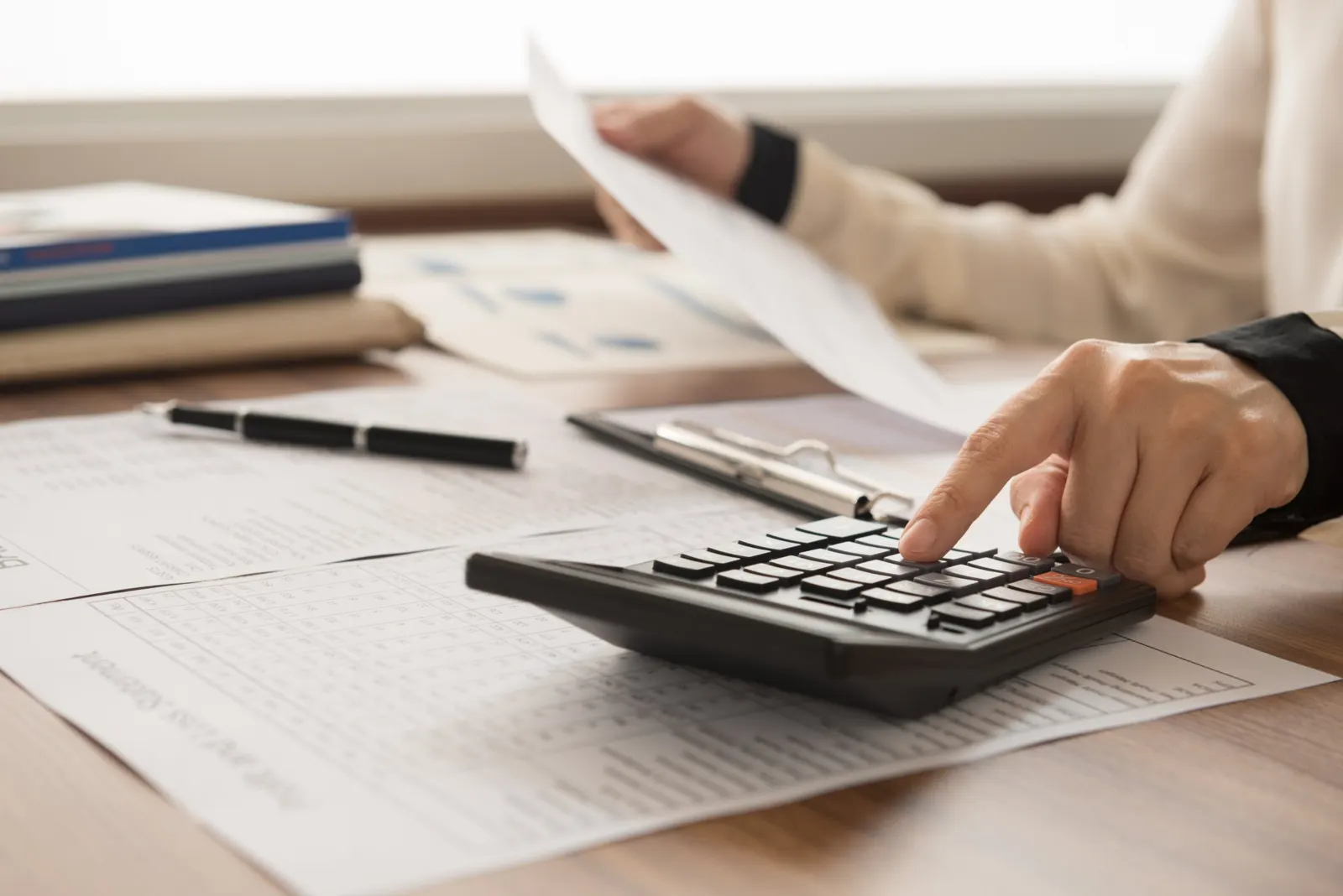
The purchase price is only the first cost of an office copier or printer. Over several years, supplies, service and downtime often matter more. A simple total-cost-of-ownership estimate helps you compare devices fairly.
List every cost over the device's life
Start with the purchase price, delivery and installation. Then add consumables — toner, drums, developer, waste-toner containers and maintenance kits — based on your monthly volume and the manufacturer's published yields. Add service costs, whether pay-per-visit or a contract.
Use the same time span for every device you compare, such as the number of years you realistically expect to keep it. A machine with a low price and expensive supplies can look attractive over one year and poor over five, so the period you choose changes which option comes out ahead.
Estimate cost per page
Divide the cost of each consumable by its rated yield to estimate a cost per page, then multiply by your expected volume. Do this separately for black-and-white and color. Keep in mind that published yields are measured under standard test conditions; real coverage varies.
Documents with heavy graphics, photos or solid backgrounds use more toner than plain text, so an office that prints marketing pieces will see lower real-world yields than one printing letters and invoices. If you have past supply orders, compare how often you actually replaced toner with what the yield figures predict, and adjust your estimate accordingly.
Count the less visible costs
Downtime costs staff time. A device that is undersized for your volume will wear faster and need more service. Energy use, paper waste from jams, and the cost of securely wiping and disposing of the device at end of life all belong in the estimate. If you are also considering a lease, compare against leasing vs. buying.
Environment plays a part too. Heat and humidity can affect paper handling, and damp paper is a common cause of jams. Storing paper sealed and indoors, and keeping the device away from exterior doors and windows, are simple habits that help an office in Southwest Florida get the most from its equipment.
A simple worksheet
Fill these in for each model you're comparing, using the same volume and the same number of years for each. Where you have to estimate, note it, so you can revisit the figure if a quote gives you better information.
- Purchase, delivery and installation
- Black-and-white and color cost per page × monthly volume
- Service plan or expected repair costs
- Expected years of use
- End-of-life data wipe and removal