Rentals guide
Using a Rental Copier While Your Office Equipment Is Repaired
By JR Copier
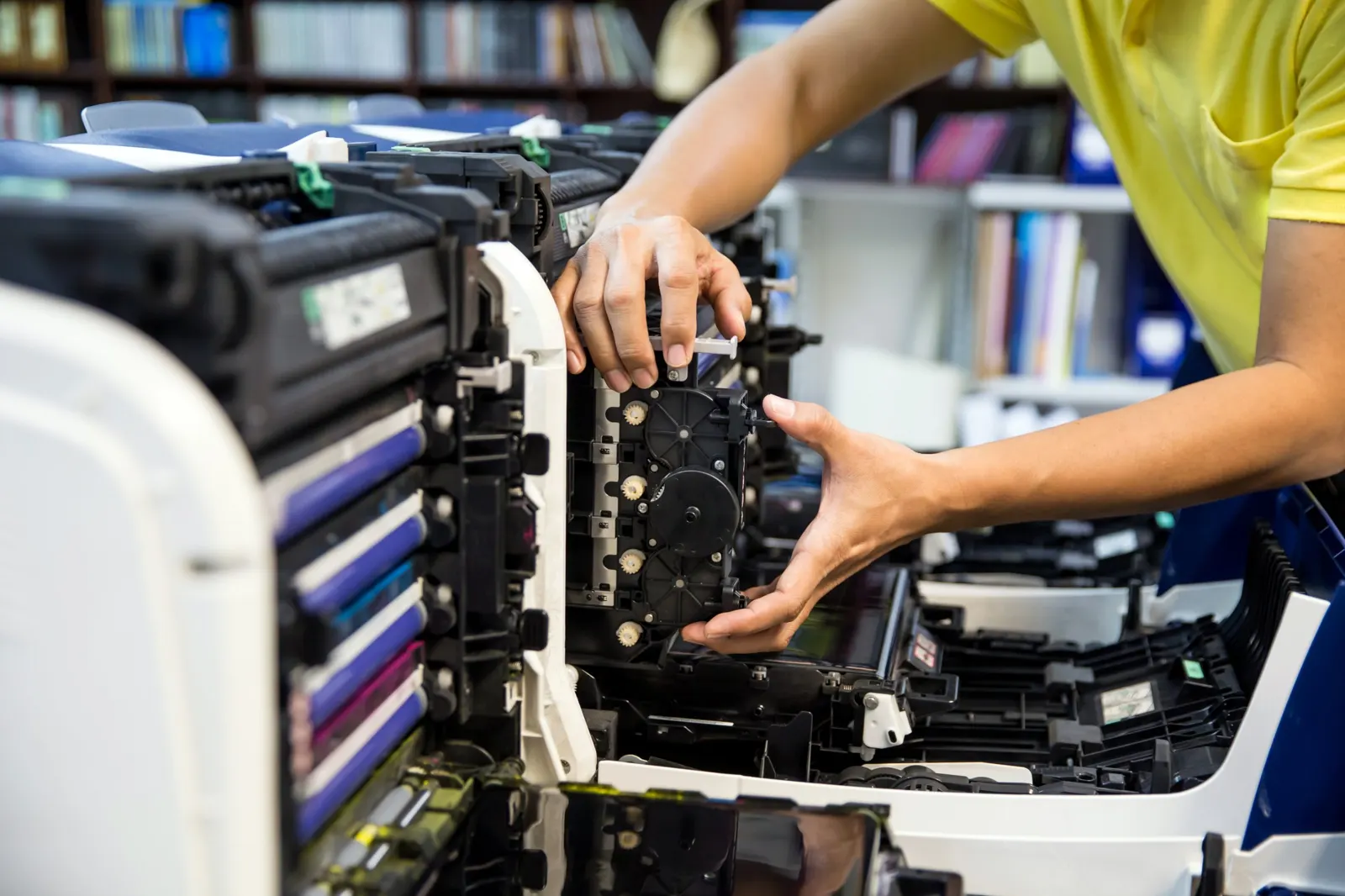
When a copier needs a major repair or parts are on back-order, a short-term rental can keep printing and scanning moving. Here is how to decide whether one is worth it and how to set it up quickly.
Decide whether a rental is worth it
If the repair is quick, a rental may not be needed. If parts must be ordered, the device is your only MFP, or deadlines depend on it, a rental can be cheaper than the lost time. Ask the service provider for an estimate of the repair timeline before deciding — and see our repair and maintenance page for how to report the fault.
Weigh what stops when the device is down. A law office with filing deadlines, a medical practice scanning intake forms, or a title company printing closing packages may feel even a few days without a copier. A small office that prints occasionally may manage with a desktop printer until the repair is done.
Share the right details
To match a rental to your needs, share your current model, the functions you rely on, and your typical daily volume. If your team scans to specific folders or email addresses, have those settings ready so the rental can be configured the same way.
Tell staff which device to use while the repair is underway, and remove or relabel the broken one so jobs are not sent to it by mistake. If people print from saved defaults on their computers, they may need to select the rental as their printer for the time being.
Repair or replace?
Repeated major repairs on an older device can be a signal to replace it. Compare the repair cost with the value of a newer machine using our total cost of ownership guide.
Keep a simple log of each service visit, the fault and what was replaced. Over time, that record shows whether problems are isolated or part of a pattern, and it gives you facts to work from when deciding whether to keep repairing a device. If the machine is leased, check the agreement before making any replacement decision.
Checklist for a repair-period rental
Have these ready when you call. Gathering them while you wait for the repair diagnosis means a rental can be arranged as soon as you decide you need one.
- Current model and the fault or error code
- Expected repair timeline
- Functions and paper sizes you need
- Scan destinations and network settings
- Pickup once your device is back